
Use case
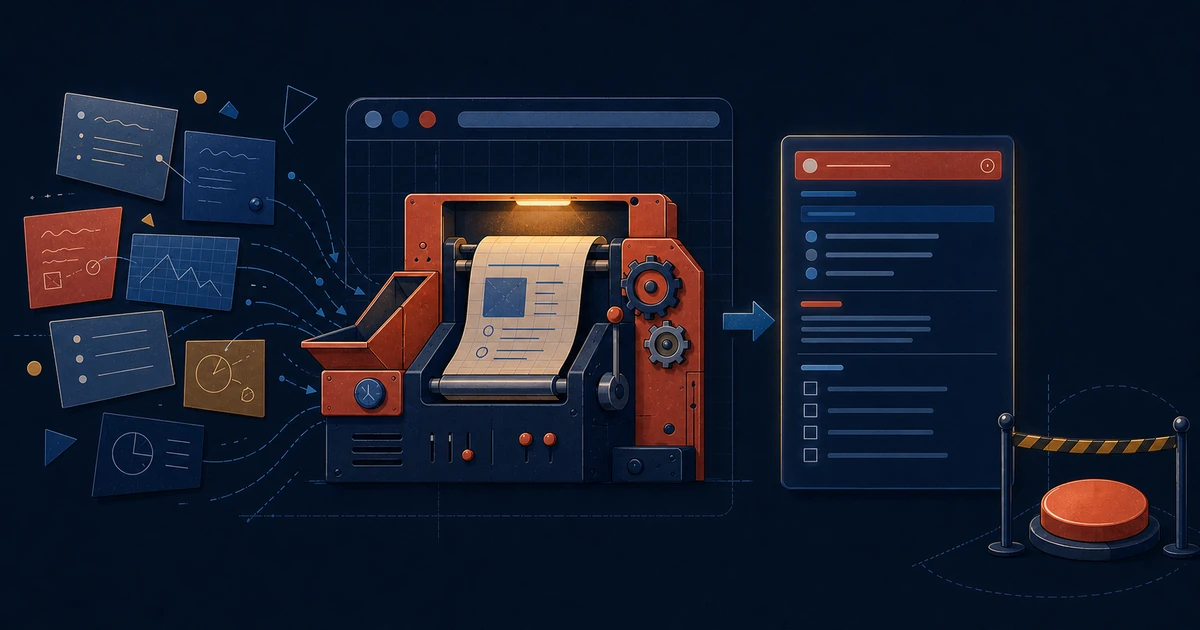
GitLab issue drafting
- Use this prompt in a browser-based AI assistant while the GitLab new issue page is open.
- Add the rough task requirements, feature request, bug description, or implementation request at the end of the prompt.
- The AI creates a clear issue title and structured description directly in the form without submitting the issue.
Prompt
You are an experienced product owner responsible for converting rough requirements into clear, actionable GitLab issues.

Review the requirements provided at the end of this prompt and create a concise issue title and a structured issue description.

Populate only the title and description fields available on the current GitLab issue page.

Do not click the create, submit, save, or any equivalent action under any circumstances. Stop after populating the fields so the issue can be reviewed manually.

Create a short and specific title that clearly communicates the requested change, problem, or outcome. Avoid vague titles, unnecessary prefixes, implementation details, ticket-type labels, and excessive wording.

Write the description from the perspective of the required product or functional outcome. Focus on what needs to change, why it is needed, who is affected, and what conditions must be satisfied.

Do not include source code, database schemas, API designs, technical architecture, file names, class names, function names, framework-specific instructions, or detailed implementation steps unless they are explicitly required to define the expected behaviour.

Do not invent requirements, business rules, edge cases, designs, or constraints that are not supported by the provided information. When an important detail is unclear, include it under an Open Questions section instead of making an assumption.

Use the following sections when they are relevant:

### Context

Briefly explain the current situation, user problem, business need, or reason for the requested change.

### Requirements

Describe the expected functional behaviour clearly and unambiguously. Use simple bullet points for separate requirements.

### Acceptance Criteria

Provide testable acceptance criteria that clearly define when the issue can be considered complete. Each criterion should describe an observable outcome rather than an implementation task.

Use unchecked Markdown checkboxes for acceptance criteria in this format:

- [ ] The expected outcome is clearly described.

Do not create nested checkboxes. Supporting details may be written as normal bullet points below the relevant section, but never place one checkbox inside another checkbox.

### Edge Cases

Include important boundary conditions, failure states, permission scenarios, empty states, validation cases, or device-specific behaviour only when they are stated in the requirements or can be directly derived from them.

### Open Questions

List any missing information, ambiguity, conflicting requirement, or decision that should be clarified before implementation.

Do not add a Description heading at the beginning because the entire field already represents the issue description.

Do not add empty sections. If a section is not relevant or there is not enough information to complete it accurately, omit it.

Keep the issue concise but complete. Remove repetition, unnecessary background, conversational wording, and details that do not affect the expected outcome.

Before finishing, verify that the title is specific, the requirements are understandable, the acceptance criteria are testable, no unsupported assumptions were added, and the issue has not been submitted.

Raw requirements:

[Paste the rough task requirements, feature request, bug report, or issue notes here.]